
Pakgames Login | Step-by-Step Guide
Logging in to your PakGames app is easy and simple. Follow the steps below to securely log in to your pakgame account.
Step 1: Open your Pakgames App
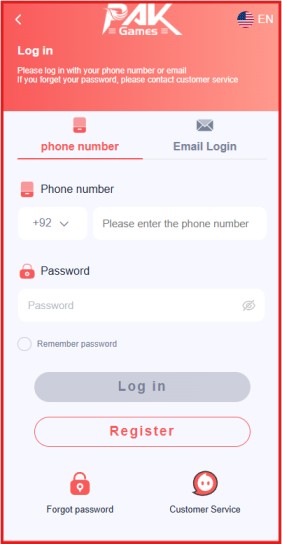
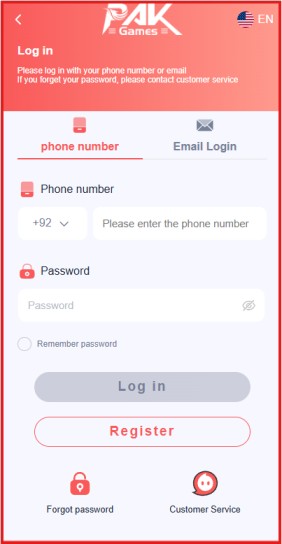
Step 2: Click on Login Button
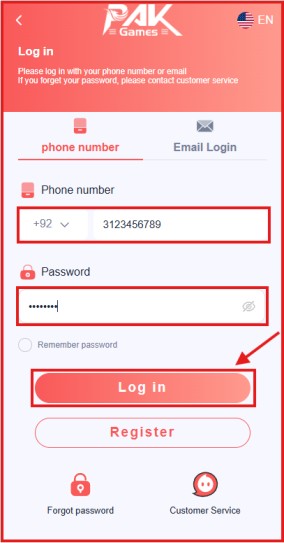
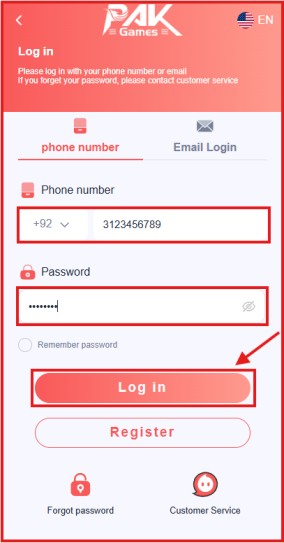
Step 3: Enter your Login Details
Step 4: Click Sign-In
Step 5: Access your App dashboard
Download the pakgames app from the official website or click on the link above to download the app directly. Once the download is complete, install it on your device. After installing, open the app. DOWNLOAD PAGAMES APP.
Open the Pakgames app to log in to your account. If you are a new user, you will first need to create an account.
After opening the app, go to the login section. Then enter your login credentials such as your password and the number you provided at the time of registration.
Before clicking the Sign-In button, double-check and confirm that the number and password are correct. If everything is OK, click the Sign In button.
After clicking the sign in button you are automatically granted access to the pakgames dashboard. If you encounter any errors while signing in to your account, please contact pakgames customer service.


Copyright © 2026 pakgames.io - All Rights Reserved